

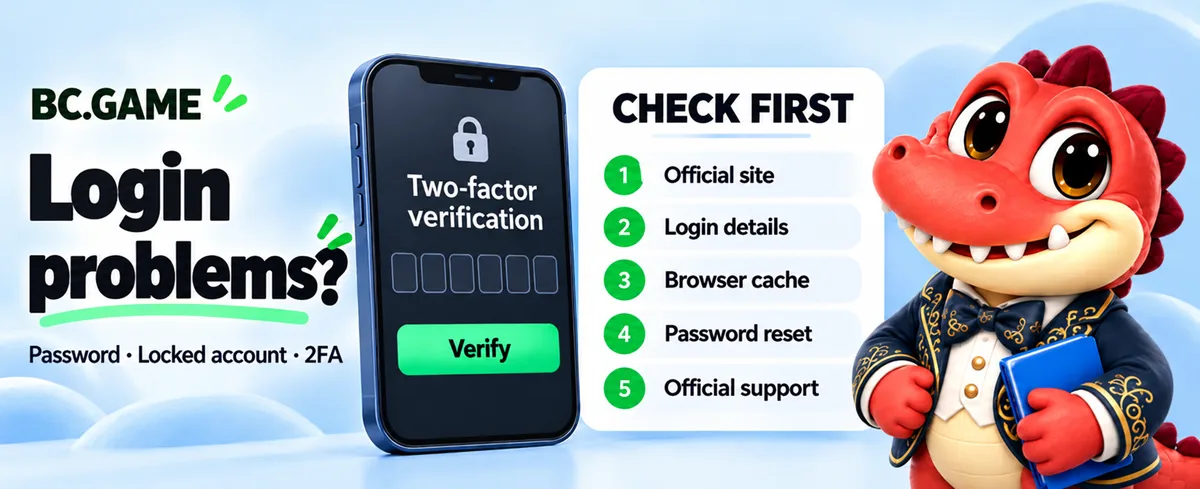
BC.GAME Login Problems: Can’t Log In, Account Locked or Recovery Not Working

 Official answer
First, make sure you are on an official BC.GAME address. Check it on bcgame.com. Then clear your browser cache, turn off your VPN and try again. If your password is wrong, reset it. If your account is locked or recovery fails, contact official support with your username and screenshots. Never share your 2FA code with anyone.
Step 0: make sure you’re on the real BC.GAME
A login page that “never works” is sometimes a fake site. Phishing pages accept any password and then show an error, because their only purpose is to collect it. Before you try again, paste the address into the checker on bcgame.com. If it isn’t official, stop and change your password on the real site.
Common reasons you can’t log in
 Wrong credentials. A typo, the wrong email, or a login method different from the one you signed up with (for example, email vs. Google sign-in).
- Security checks. Logging in from a new device, browser or country can trigger extra verification.
- Too many failed attempts. Repeated wrong passwords can temporarily lock the account to protect it.
- VPN or browser conflicts. VPNs, ad blockers and old cookies can break the login flow.
- Maintenance. Login may be paused briefly during scheduled updates.
- Regional restrictions. If BC.GAME isn’t available where you are, you may be blocked before login. See Restricted Countries.
How to fix it
- 1Check your details. Confirm the email or username and the sign-in method you used when you registered.
- 2Clear cache and cookies, or open a private window.
- 3Turn off your VPN and any browser extensions, then reload.
- 4Try another browser or device.
- 5Reset your password with “Forgot password” on an official address.
- 6Wait before trying again if you’ve had several failed attempts. Repeated tries can extend a temporary lock.
If your account is locked
Accounts are usually locked to protect you: after repeated failed logins, unusual activity, or a security review. A lock does not mean your balance is gone.
- Contact official support from the help centre linked on bcgame.com.
- Include your username, the email on the account, and a screenshot of the message you see.
- Answer verification questions only inside official support channels.
If account recovery isn’t working
Recovery can fail if the reset email goes to spam, the link has expired, or you no longer have access to the email or 2FA device.
- Check spam and promotions folders, then request a new link. Only the newest link works.
- If you lost your 2FA device, contact support. Don’t install “2FA recovery” tools offered by strangers.
- Be ready to prove ownership, for example with past deposit details.
If you think someone else got in
Signs include password changes you didn’t make, unknown sessions, or withdrawals you didn’t request. Change your password, turn on 2FA, sign out of all sessions and contact support right away.
Keep your account safe
- Turn on two-factor authentication (2FA).
- Use a unique password that you don’t use anywhere else.
- Open BC.GAME from bcgame.com or a saved official address, not from ads or DMs.
- Never share your password, 2FA code or seed phrase. BC.GAME staff will never ask for them.