

Real or Fake? How to Verify a BC.GAME Link, Mirror or Support Account

 Official answer
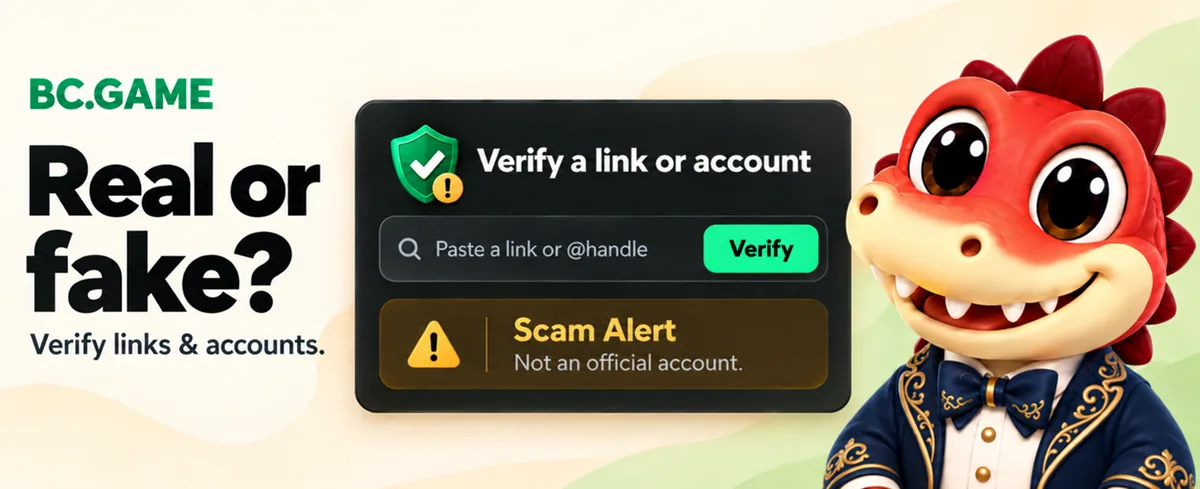
Paste the website address or the @username into the checker on bcgame.com. It tells you right away whether it is an official BC.GAME address or account. If it isn’t on the official list, don’t log in, don’t pay and don’t share codes.
Why fake BC.GAME sites and accounts exist
BC.GAME uses several official addresses so players can reach it from different networks. Scammers take advantage of this. They register look-alike domains, copy the design, and wait for players to search for a “new link” or “working mirror”. Others pose as support agents on Telegram, WhatsApp or Discord and message players first.
The goal is almost always the same: get your login, your 2FA code, or a crypto transfer.
Check a website in 10 seconds
 Copy the full address from your browser’s address bar.
- Open bcgame.com and paste it into the verify box, then press Verify.
- Read the result:
- Official: the address belongs to BC.GAME.
- Reported fake: the address is a known impersonation. Close it.
- Not on the official list: treat it as unsafe until proven otherwise.
A padlock icon only means the connection is encrypted. Fake sites have padlocks too, so it does not prove the site is BC.GAME.
Check a Telegram, X or support account
The checker works for accounts as well. Paste the @username, not the display name. Anyone can set their display name to “BC.GAME Support”, but the @username is unique.
- Official support never messages you first.
- Official staff never ask for your password, 2FA code, seed phrase or a “verification deposit”.
- Group admins in BC.GAME’s official community never DM you to offer bonuses or recover funds.
Warning signs of a fake BC.GAME site
- Small spelling changes in the address: extra hyphens, added words such as -vip, -bonus or -support, or unusual endings.
- Unrealistic offers: “200% instant bonus”, “guaranteed wins”, or anything that needs a deposit to unlock.
- Pressure: countdown timers, “your account will be frozen”, or urgent messages to verify now.
- Wallet requests: asking you to connect a wallet, sign a transaction or share a seed phrase.
- Broken pages: missing sections, links that go nowhere, or a login page with nothing behind it.
Recently confirmed fakes
bcgame.com keeps a list of recently confirmed fake websites and accounts, updated as players report them. Before you trust a link someone sent you, check if it is already on the list.
What to do if you used a fake site
- 1Change your BC.GAME password on an official address right away.
- 2Turn on two-factor authentication (2FA) if you haven’t already.
- 3Review active sessions and recent transactions in your account settings.
- 4Scan your device for malware, especially if you downloaded anything.
- 5Contact official support and include the fake link or @username.